
Aselmind
Get a quote for Aselmind.
Need help? Call us
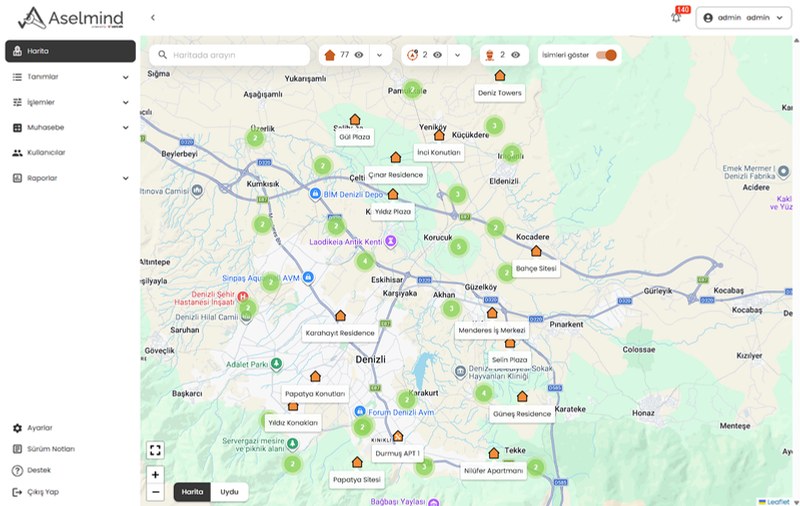
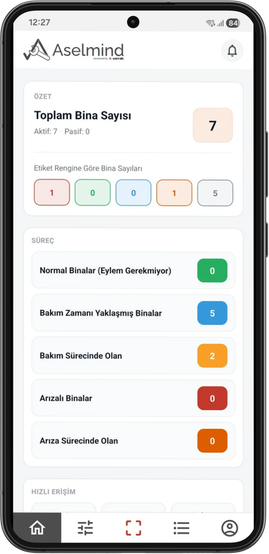
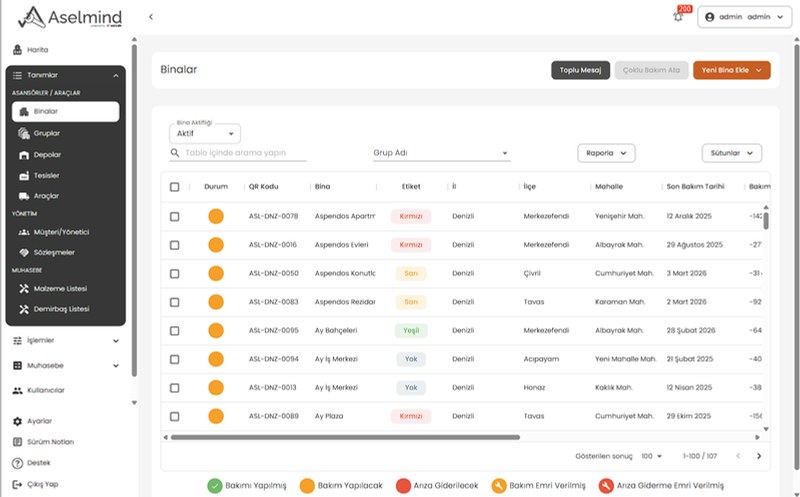
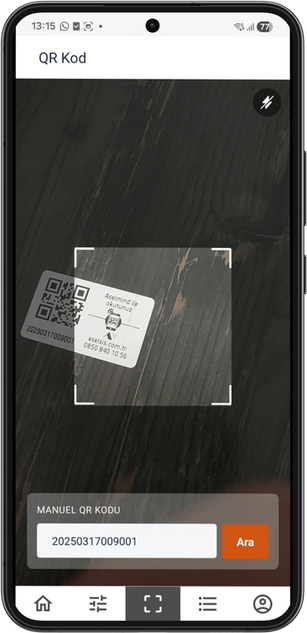
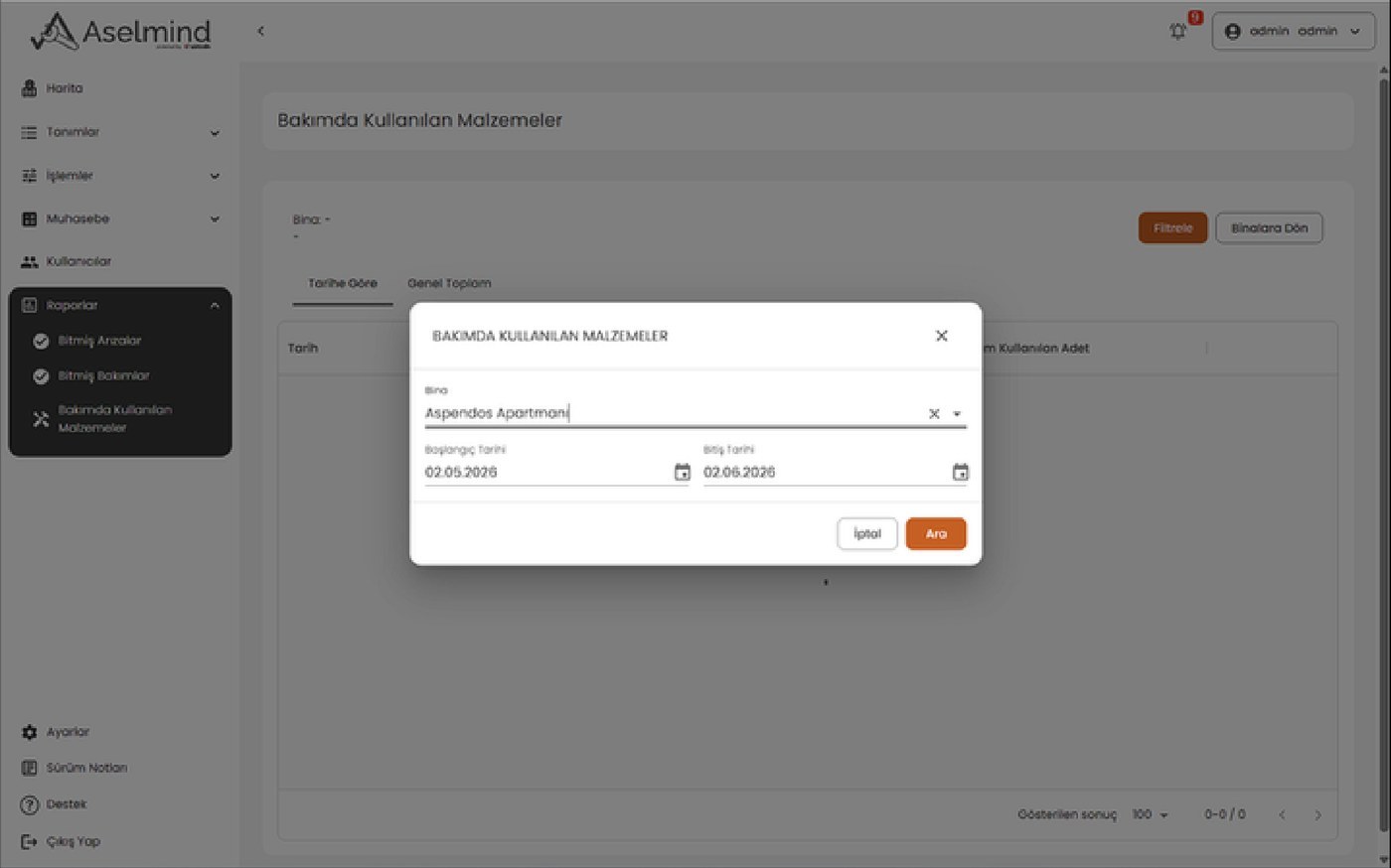
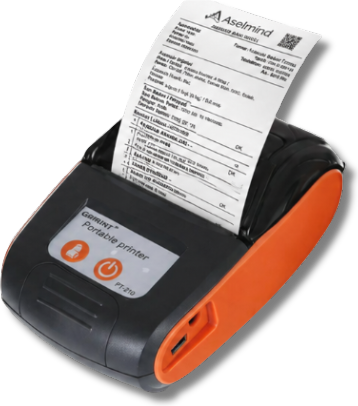
One platform, two screens. No need to choose.
Web panelOffice
Records, work orders, accounting, reports and user permissions in one panel.
Mobile appField
Assigned jobs, QR code elevator identification, digital signatures and receipts in the field.
Cloud-based; the web panel and the mobile app run on a shared data infrastructure, in real time.
Scale. How many elevators do you maintain?
Your package:Aselmind 250(1–250 elevators)
Integrations. Which ones would you like to use together?
Optional; you can choose more than one.
Service scope. In every package.
- Customer, building and elevator management
- Periodic maintenance and maintenance history
- Mobile fault, service and work order management
- Quick access to elevator details by QR code
- SMS and in-app notifications
- Digital maintenance and service reports
- Staff and performance tracking
- Stock and spare part tracking
- Accounting and payment tracking
- Detailed reporting
- Software updates and technical support
How does it start? In three steps.
- 1
Once agreed, a customer account is created for your company.
- 2
User accounts and access details are sent to your administrator.
- 3
The Web Management Panel and Mobile App are opened for use.
Demo. Would you like to see Aselmind live?
Contact. Who should we send the quote to?
Complete the previous step.
Aselmind 250
100 elevators